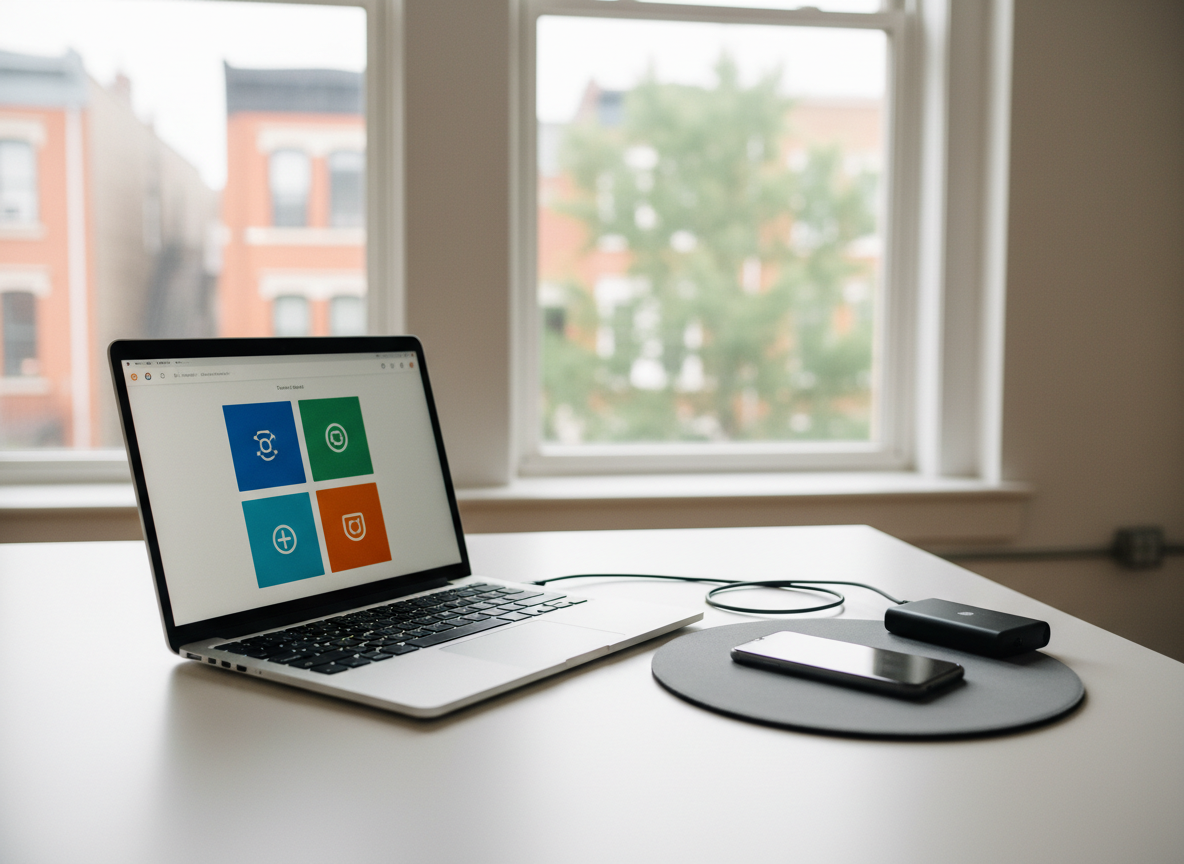
A close-up, photographic view of a hands-on tech training setup: an open mid-range laptop on a clean white table in a Crown Heights coworking space, its screen displaying an uncluttered tutorial-style interface with large, abstract icons instead of legible text. Beside it, a smartphone rests on a soft gray mousepad, and a simple external hard drive sits nearby with its single cable neatly routed. Large windows reveal softened hints of Brooklyn rowhouses and trees outside. Bright but diffused daylight fills the room, creating minimal shadows and a clear, focused atmosphere. Shot from a three-quarter angle with moderate depth of field, the image feels structured and approachable, suggesting step-by-step one-on-one training without overwhelming technical complexity.

About Us

Local, one-on-one tech support in Crown Heights, focused on patient explanations, practical fixes, and trust.

Story

With over a decade supporting neighbors and small businesses, I blend professional IT training with patient, plain-language guidance, offering in-home and remote help tailored to how Crown Heights residents actually use their devices.
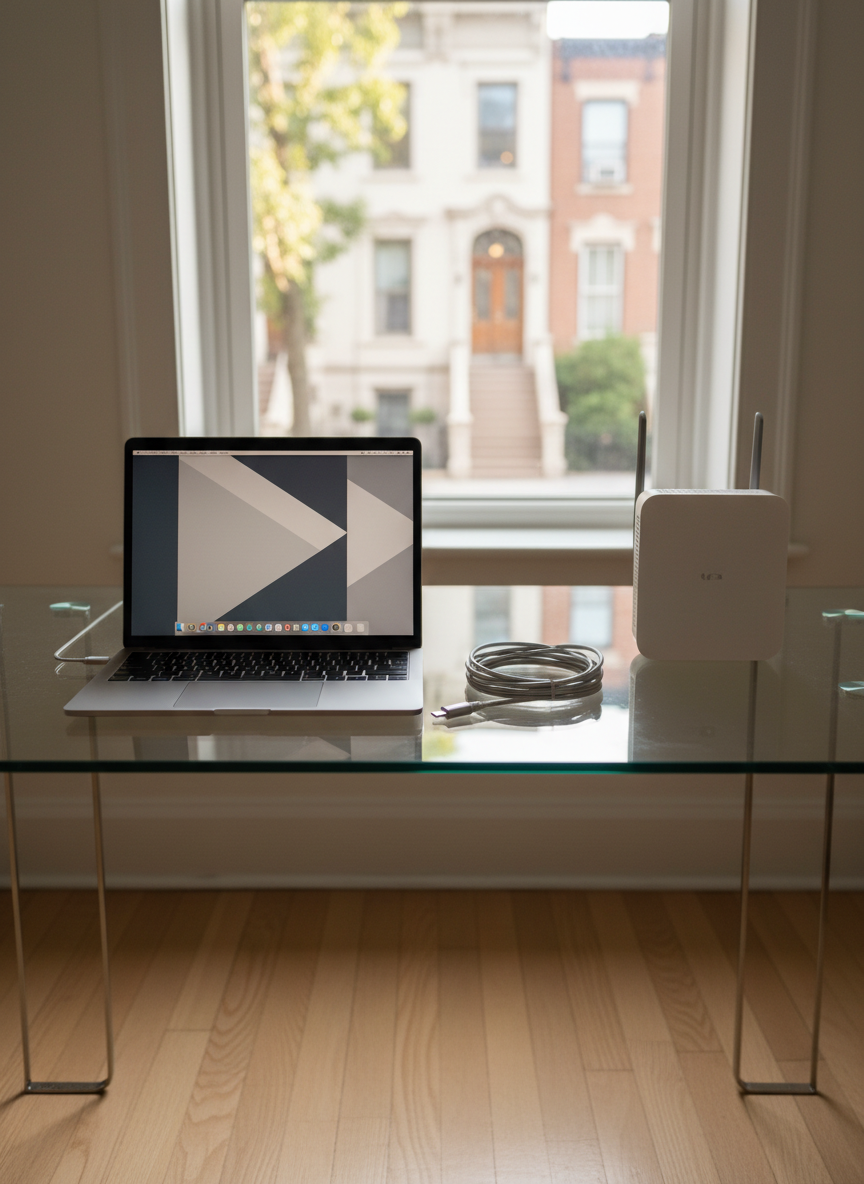
A modern glass-topped desk neatly arranged with a slim silver laptop, a compact wireless router, and a neatly coiled charging cable, all rendered in crisp photographic realism. The desk sits near a bright apartment window overlooking a recognizable Crown Heights brownstone block, softly blurred outside. Afternoon natural light washes in, creating gentle reflections on the laptop’s metallic surface and subtle shadows on the light wood floor. A minimalist, uncluttered workspace conveys calm, patient tech help at home. Shot at eye level with a shallow depth of field, the focus stays on the approachable, everyday devices, emphasizing a professional yet friendly atmosphere ideal for one-on-one tech support.

Your Technicians

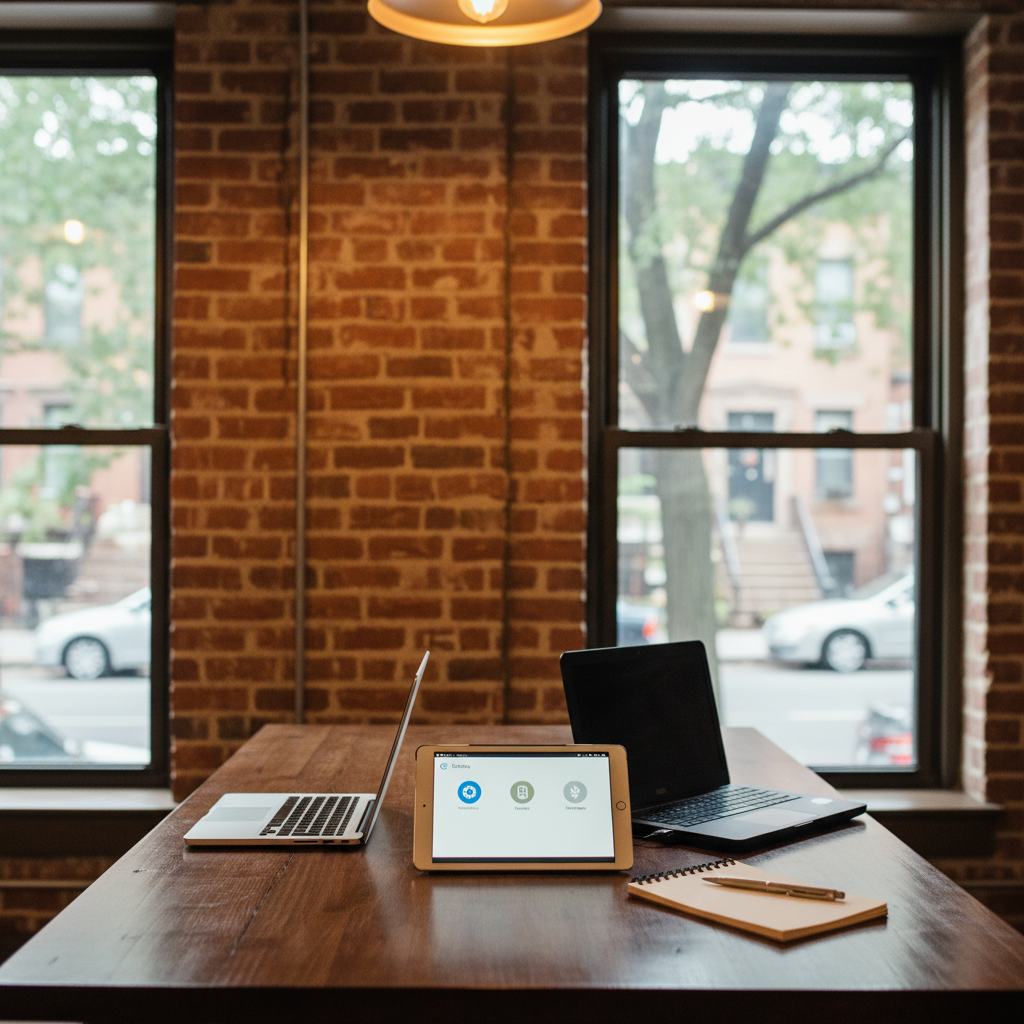
A small neighborhood office in Crown Heights with exposed brick on one wall and large windows framing tree-lined Brooklyn streets in soft focus. In the foreground, a sturdy wooden table holds two open laptops of different brands, a tablet displaying a simple settings screen, and a small notepad with an uncapped pen beside it, all captured in clean photographic detail. Warm overhead lighting combines with diffused daylight, creating a welcoming, non-intimidating feel. The composition uses the rule of thirds, drawing attention to the devices and their tidy arrangement. The mood is calm and organized, suggesting personalized troubleshooting and setup for local small businesses without any clutter of cables or overly technical gear.

Aarav Sharma

CEO

Founder and lead technician, providing patient, in-home help for everyday tech frustrations in Crown Heights.
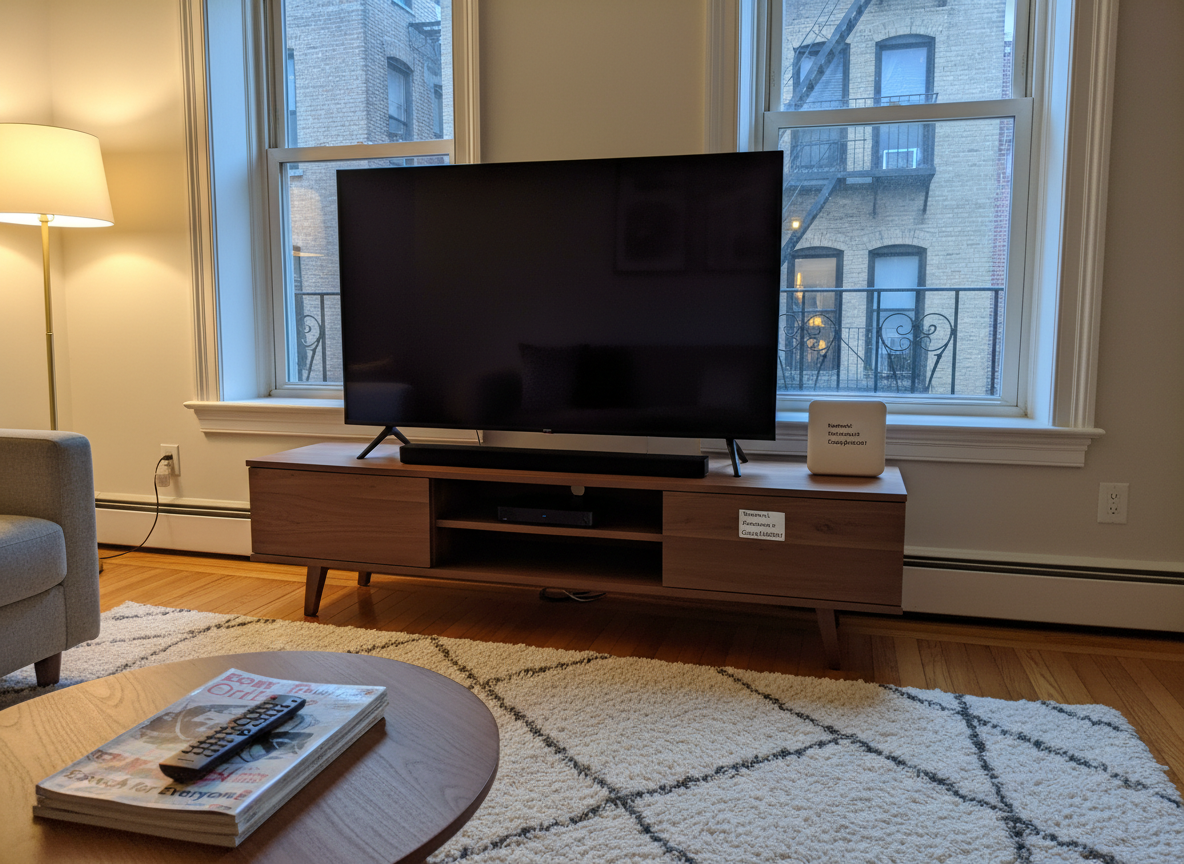
A cozy Crown Heights living room with a low media console holding a large flat-screen TV, a compact streaming device, a simple soundbar, and a neatly labeled Wi‑Fi router, all realistically photographed. A plush rug and glimpses of classic Brooklyn molding and a fire escape through the window ground the scene in the neighborhood. Soft evening lamp light mixes with the last cool daylight, casting gentle, inviting shadows. Shot from a slightly elevated angle, the composition centers the entertainment setup with the remote placed prominently on a small coffee table, suggesting guidance on streaming, connectivity, and home tech organization. The mood is reassuring and practical, emphasizing down‑to‑earth tech help for everyday life.

Mateo García

CTO

Small business support specialist, setting up secure networks, backups, and devices for Crown Heights offices.
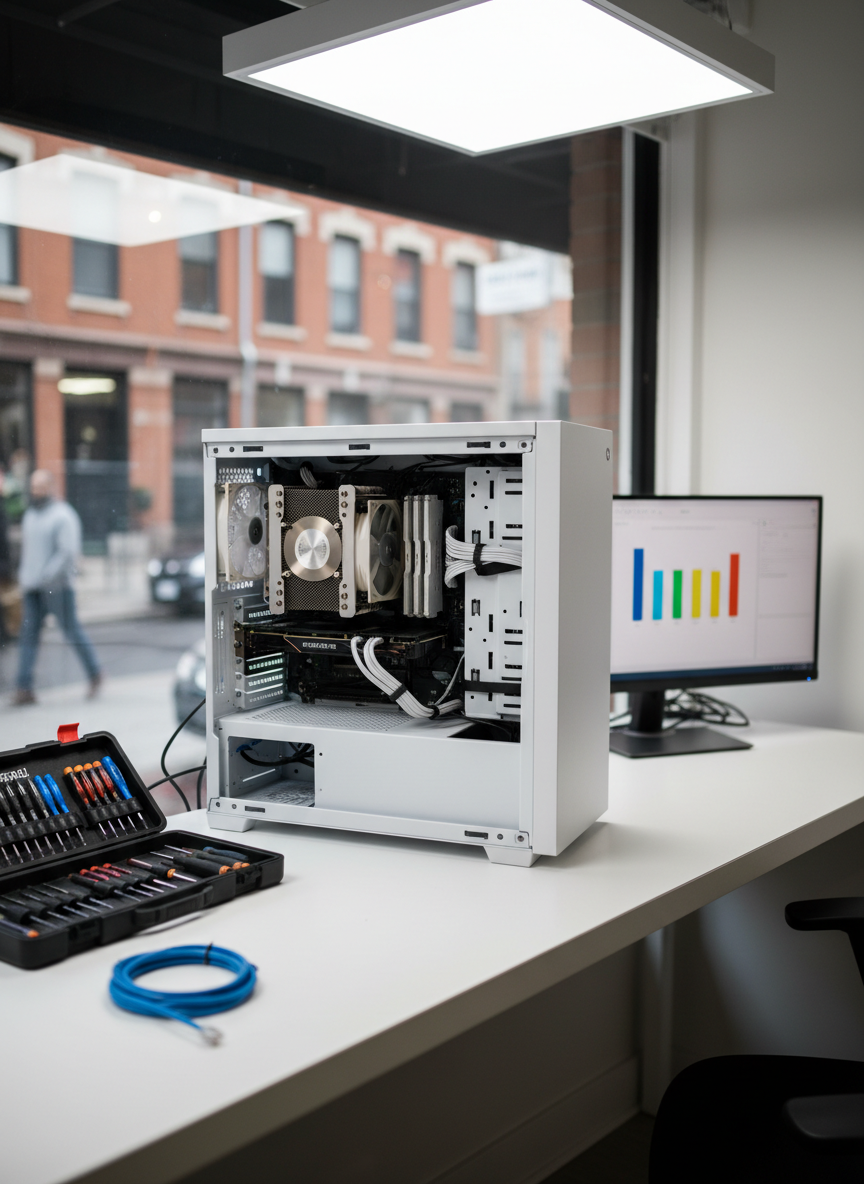
Inside a compact Crown Heights storefront office, a sturdy white workbench is neatly arranged with an open desktop tower revealing clean internal components, a labeled toolkit with precision screwdrivers, and a neatly coiled Ethernet cable, all rendered in sharp photographic realism. A second monitor on the side shows a simple, abstract diagnostic interface with colorful bars instead of readable text. Overhead LED panels emit soft, even lighting that minimizes harsh shadows, while a front window lets in a hint of the busy Brooklyn sidewalk, tastefully out of focus. Shot from a slightly low angle to make the workbench the focal point, the composition conveys professional yet accessible repair and network troubleshooting services without appearing technical or intimidating.

Zuri Ndlovu

Engineer

Patient tech tutor, teaching email, phones, and basic computer skills at a calm, friendly pace.

A close-up, photographic view of a hands-on tech training setup: an open mid-range laptop on a clean white table in a Crown Heights coworking space, its screen displaying an uncluttered tutorial-style interface with large, abstract icons instead of legible text. Beside it, a smartphone rests on a soft gray mousepad, and a simple external hard drive sits nearby with its single cable neatly routed. Large windows reveal softened hints of Brooklyn rowhouses and trees outside. Bright but diffused daylight fills the room, creating minimal shadows and a clear, focused atmosphere. Shot from a three-quarter angle with moderate depth of field, the image feels structured and approachable, suggesting step-by-step one-on-one training without overwhelming technical complexity.

Leila Haddad

Designer

Remote troubleshooting expert, quickly diagnosing software issues and explaining clear next steps without confusing jargon.